Custom vs Off-the-Shelf Booking Software: Which Does Your Business Need?
When you first signed up, your booking tool felt like a relief. Clients picked a time, got a reminder, and showed up. Somewhere along the way, though, things changed. Now there's a spreadsheet tracking who has class...
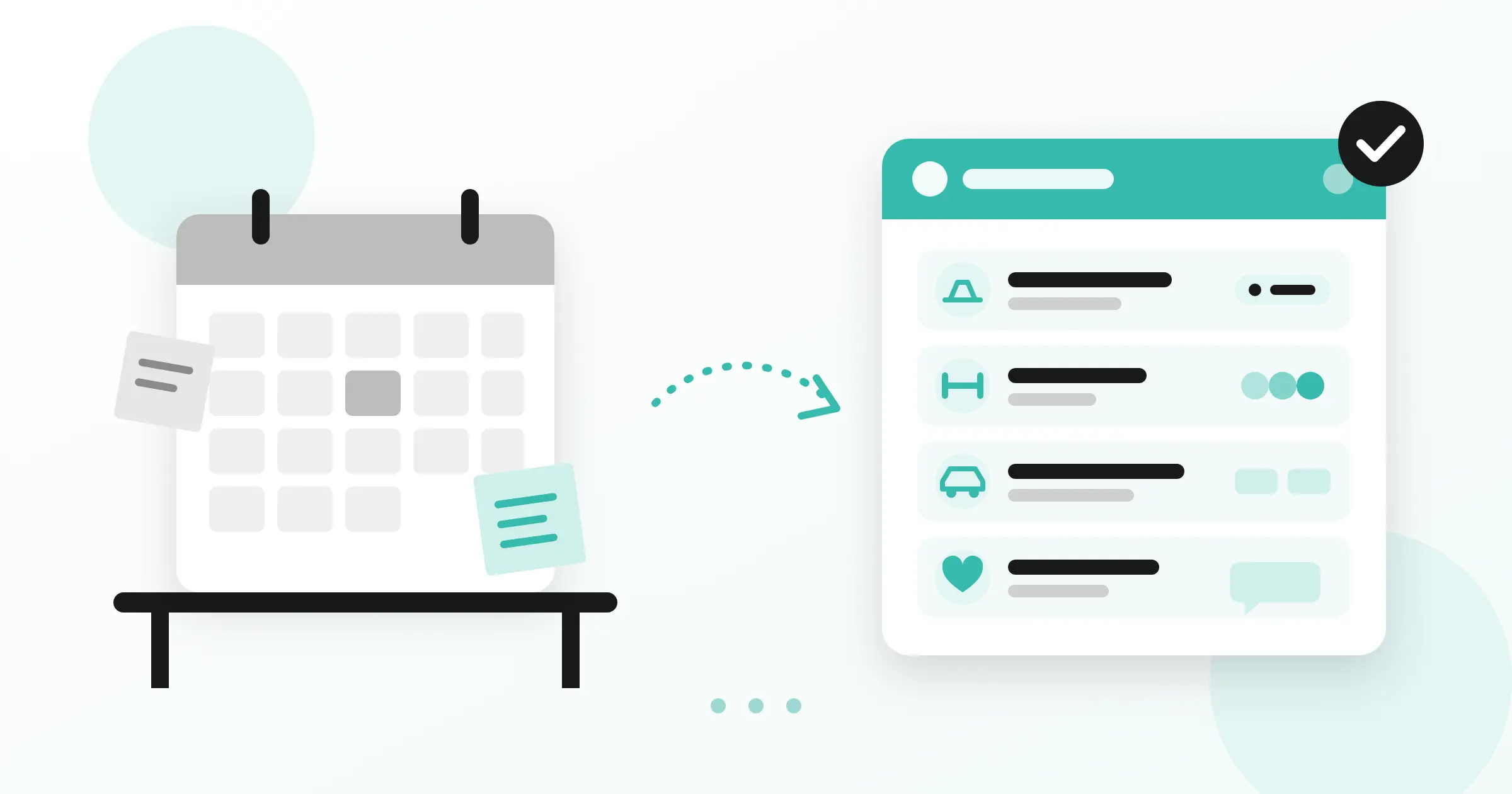
When you first signed up, your booking tool felt like a relief. Clients picked a time, got a reminder, and showed up. Somewhere along the way, though, things changed. Now there's a spreadsheet tracking who has class credits left. Someone on the front desk confirms payments over Instagram messages. A manager fixes double bookings by hand every Monday morning.
If that sounds familiar, you're probably weighing custom vs off-the-shelf software, and wondering whether the booking software for small business you started with is still the right fit.
We build booking systems for a living, so you might expect us to tell you to go custom. We won't. For most businesses, the honest answer is to keep the tool you have. This post explains how to tell whether you're one of the businesses that has truly outgrown it.
The short answer
Off-the-shelf booking software works well when your bookings are simple and standard. It's cheap to start and quick to set up. A custom booking system starts to make sense in three situations:
Your booking rules are part of what makes your business different. Packages, credits, resources or workflows that a generic tool can only half support.
Your fees keep climbing. Per-seat, per-location and transaction fees grow faster than your revenue.
You need to own your customer data and brand. Your clients should book with you, not through a vendor's marketplace.
Advantages of off-the-shelf software
Ready-made booking tools are popular for good reasons, and it's worth being fair about what they do well.
Fast setup. You can usually go from sign-up to taking bookings in an afternoon.
Low cost at small scale. For a solo practitioner or a small team, a monthly subscription costs far less than any custom build.
Support and updates included. Security patches, new features and bug fixes are the vendor's job, not yours.
The basics are built in. Automated reminders, calendar sync and simple online payments come as standard in most tools.
Off-the-shelf options generally fall into two groups:
General schedulers such as Calendly and Acuity Scheduling. They handle one-to-one appointments well and work across almost any industry.
Industry platforms such as Mindbody for fitness and wellness. These add industry features like class schedules, memberships and point-of-sale, but they come with more complex pricing and less flexibility outside their intended use.
Disadvantages of off-the-shelf software
Problems start when your business stops fitting the template. These are the patterns we see most often, each one drawn from a booking system we've built.
Your pricing rules don't fit their settings
Many tools can sell a single session. Fewer handle packages, class credits that expire after a set period, or bundles with different rules for different class types. Good class booking software should follow your pricing, not force you to simplify it. A reformer pilates studio we worked with sold its sessions as packages, and it needed clients to buy and use them online without staff tracking them by hand.
Your payment flow is unusual
Most tools assume one path: the customer pays by card online, or pays at the venue. Real businesses often need both for the same type of booking. The same pilates studio needed clients to choose, at checkout, between paying by card online or paying in the studio, while keeping every booking in one schedule.
Staff need different access levels
In a small team, everyone sees everything, and that's fine. As you grow, trainers, front desk staff and managers need different views. A gym we built for needed role-based permissions, so each staff member sees exactly what their job requires and nothing more.
You book things, not just time slots
Most booking tools are built around a person's calendar. If what you're renting is a vehicle, a room or a piece of equipment, availability works differently: bookings span days, and each item has its own status. A car rental business we worked with needed a booking flow built around the rental process itself, not a stylist's appointment calendar.
The booking is only part of the record
For some businesses, the appointment is one entry in a much longer story. A medical practice we built for needed every appointment connected to the patient's full history, to the reports doctors generate, and to direct messages between patient and doctor. A standalone scheduler would have left that information spread across separate tools.
Fees grow faster than your business
Off-the-shelf pricing usually scales with your size, not your profit. You pay per staff seat, per location, per feature tier, and often a percentage of every online payment. Together, these fees mean that every new trainer, new branch or busier month raises your bill, even when your margins stay the same.
Your customers book through someone else's brand
On many platforms, your clients create an account with the vendor, not with you. The booking page carries the vendor's look, emails come from their system, and some platforms promote other businesses to your customers. Your customer list lives on their servers, under their terms.
Off-the-shelf or custom? A quick checklist for small businesses
Use these eight questions to check whether your online booking system for small business still fits. Answer yes or no.
Does your team fix bookings manually every week?
Do you track packages, credits or memberships outside your booking tool?
Do customers need to pay in more than one way for the same booking?
Do different staff members need to see different information?
Do you book physical resources such as vehicles, rooms or equipment?
Have your software fees risen faster than your revenue?
Do you want customers to book entirely under your own brand?
Do bookings need to connect to other records, such as history, reports or messages?
If you answered no to most of these, your current booking software for small business is probably doing its job. If several of these sound familiar, it's worth getting a second opinion before you renew.
Not sure which side you're on? Book a free call with our team. We'll look at how you take bookings today and tell you honestly whether your current tool still fits or it's time for something built around your business. Book a Call
What a custom booking system usually includes
Every custom booking system we build starts from the same foundation, then adds what the specific business needs.
| Included in every build | Depends on the business |
|---|---|
| Online booking for customers | Packages and class credits |
| Live view of available slots or items | Card payment online and payment on site |
| Admin area to manage bookings | Customer accounts with self-service cancellation |
| Your own branding and domain | Membership management |
| Customer and booking data you own | Staff management with role-based permissions |
| Patient or client history | |
| Report generation | |
| Built-in chat between clients and staff | |
| Booking flows for vehicles and other resources |
The left column is what any decent off-the-shelf tool also gives you. The right column is where a custom booking system earns its cost, because those are the parts that match how your business actually runs.
Four booking systems we built, and why each went custom
These are real, operating businesses, and each had a specific reason to go custom.
A reformer pilates studio
Enora Pilates Studio wanted to open its doors with a complete digital setup, not just a website and a phone number. Its pricing ran on session packages, and clients needed the choice to pay by card or in the studio. Typical pilates studio software would have meant bending those rules or managing them by hand. We built a studio website with a live schedule of open reformer slots, online booking, package purchases with card or in-studio payment, and client accounts where people manage and cancel their own reservations.
A gym with staff roles and online payments
MyGym needed to run memberships, payments and staff in one place. Before, the work was split between manual records and tools that didn't talk to each other. Off-the-shelf booking systems for gyms often treat staff permissions as an afterthought, and this gym needed them to be precise. We built a gym management system with online payments, staff management and role-based permissions, so trainers, reception and management each get exactly the access they need.
A car rental business
Mela Rent needed customers to book vehicles online instead of coordinating every rental by phone and message. Rentals work differently from appointments, and a general car rental reservation system would have meant adapting the business to the software. We built a booking platform designed around the rental process itself. The result is a simple, reliable booking experience for customers and far less back-and-forth for the team.
A medical practice
A cardiology practice was managing appointments, staff, patient history and communication across phone calls, paper and separate tools. A standard doctors appointment booking system would have handled the scheduling, but not everything connected to it. We built an in-house system covering appointment booking, staff management, report generation, complete patient history and built-in chat between patients and doctors. The practice now sees schedules and patient records in one place.
How we would approach your booking system
If you decide custom is worth exploring, here's how we work:
A free call. We learn how you take bookings today, where things break, and whether custom makes sense at all. Sometimes the answer is no.
Scoping a first version. We agree on the smallest system that solves your biggest problems, so you're not paying for features you might never use.
Building in phases. You see working software early and give feedback as we go, rather than waiting months for a big reveal.
Launch and support. We help you move your data, train your team and keep the system running after launch.
You can read more about our process on our How We Work page.
Is it time for your own booking system?
A ready-made booking tool is a great place to start. But as a business grows, its booking needs often grow with it: new packages, more staff, different ways to pay, records that need to connect. When the tool stops keeping up, the signs are easy to spot. Your team spends hours on workarounds, your fees keep climbing, and your customers book through someone else's brand.
If that sounds like your business, it's worth a conversation. We'll look at how you take bookings today and give you a clear, honest view of whether a custom booking system would make your day-to-day easier.